How can I use AI for lead follow-up?
Short answer
AI handles lead follow-up by sending timed, personalized messages without you manually tracking who heard what. You build the sequence once: the first message, the timing, and the endpoint when someone books or replies. After that, every new lead gets consistent follow-through without a team member managing each one individually.
Updated October 3, 2026
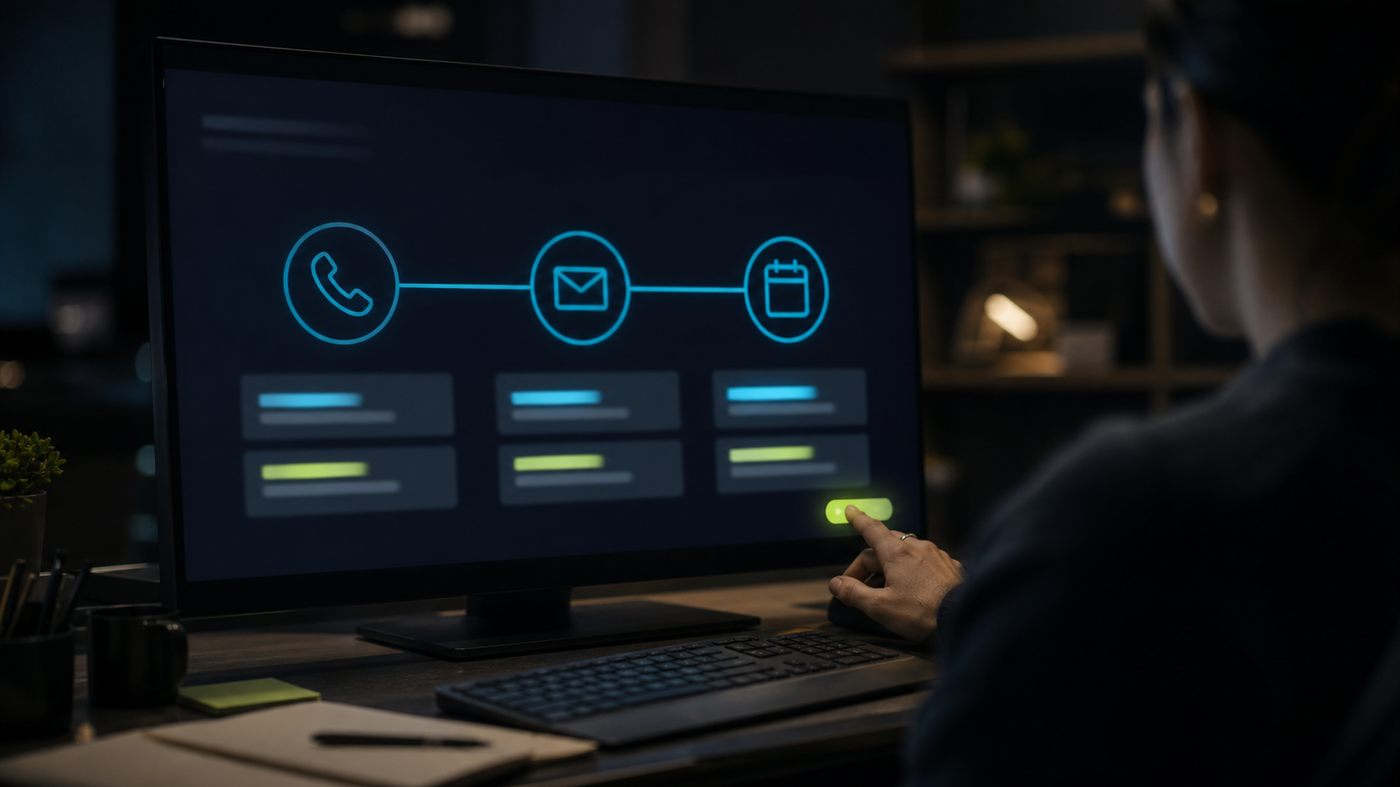
The most common lead problem for small service businesses is not generating enough leads. It is following up consistently enough to convert the leads they already have. A prospective customer fills out a form or sends a message. The team is busy. The follow-up happens two days late, or not at all. The lead moves on.
AI fixes this problem by taking follow-up off the to-do list. Once you build the sequence and set the triggers, every new lead gets a timely message regardless of how busy your team is. The sequence runs in the background, and your team only steps in when a lead replies or books.
What an AI lead follow-up sequence looks like
A typical follow-up sequence for a service business starts with a confirmation message sent within a few minutes of the inquiry. The second message goes out the next day and addresses a common question or provides something useful. The third message goes out two to three days later and makes a direct offer or invitation to book. If the lead has not responded, a fourth and fifth message go out over the following week, each with a slightly different angle.
When someone replies or books an appointment, the sequence stops automatically. When the lead asks a question, your team gets notified to respond. The agent handles the outreach; a person handles the conversation when it starts.
- Message one, within five minutes of inquiry: acknowledgment, confirmation, and what to expect next.
- Message two, day one: a useful piece of information or a common question answered.
- Message three, day two or three: a direct next step or invitation to book.
- Message four, day five or six: a different angle or a reminder.
- Message five, day eight to ten: a final outreach or a lower-pressure check-in.
How AI improves a basic automation sequence
A rule-based automation sequence sends the same message to every lead. An AI-assisted follow-up sequence can personalize within each message: using the lead's name, referencing the service they asked about, or adjusting the tone based on signals in their original message.
The most practical use of AI in follow-up is drafting the messages in the sequence. Writing a five-email sequence that sounds natural, avoids being pushy, and handles the most common objections takes time. AI does that draft work in minutes. A person reviews and adjusts, and the sequence is ready.
Which tools support AI lead follow-up
Most CRM platforms that include marketing automation can run a basic follow-up sequence. GoHighLevel, HubSpot, ActiveCampaign, and Keap all include trigger-based automation with email and SMS. Some include AI writing features that help you draft the messages directly in the platform.
If you already have a CRM, check whether it includes automation features before buying a separate tool. Most mid-tier CRMs do. The issue is often not that the capability is missing but that the automation has not been set up.
For businesses that want a full system rather than just a follow-up sequence, our AI systems service covers how we connect your CRM, forms, calendar, and communication tools into a single workflow that runs without manual oversight.
Using AI to write follow-up messages
Even if your current tool does not have a built-in AI writing feature, you can use a general AI writing tool to draft the messages in your sequence. Give the AI clear context: what your business does, who the lead is, what they expressed interest in, and what you want the message to accomplish.
Our answer on how to write better AI prompts covers how to give AI the context it needs to produce a useful draft rather than a generic message that sounds like it came from a template.
Setting up for the first time
The simplest way to start is to pick your single most common lead source: your contact form, your ad landing page, or your most-used referral channel. Build a three-message sequence for that source only. Use AI to draft the messages. Run it for four weeks and track whether response rates improve.
Once you have one sequence running well, expand to other lead sources. The building blocks are the same; the personalization changes to fit the source.
For the broader picture of what else you can automate in a service business, our answer on what business tasks you can automate with AI shows how lead follow-up fits alongside other common automations in a typical service business workflow.
What a well-running sequence actually does for your business
The direct benefit is a higher contact rate on the same number of leads. More leads hear from you, sooner, more consistently. The secondary benefit is what it does for your team: they spend less time chasing and more time talking to leads who actually responded, which is where they add the most value.
The metric to watch is not open rate or click rate but booked appointments or qualified conversations per new lead, compared to before the sequence ran. That number is the clearest indicator of whether the system is working.
For businesses where review volume is also a missed opportunity, our answer on how to get more customer reviews with AI covers how the same automation approach applies to review requests after a job is done.